

Why AI Headshots Sometimes Do Not Look Like You
Learn why AI headshots sometimes don't look like you and how better source photos, angles, lighting and consistency can improve likeness and realism.


Why AI Headshots Sometimes Do Not Look Like You
Learn why AI headshots sometimes fail to preserve your likeness, which input photo issues cause the biggest problems, and how to improve realism, facial consistency and overall results.
You upload several photos, wait for the results and then open a polished professional headshot that looks… almost like you.
The lighting is good. The outfit works. The background looks professional.
But something about the face feels wrong.
Maybe the jawline is slightly different. The eyes seem unfamiliar. Your face looks narrower or more symmetrical than it really is. Or the image resembles you in a general sense but not enough that a colleague would immediately say, “That is definitely you.”
If your reaction is “these AI headshots don’t look like me,” there are usually several possible reasons.
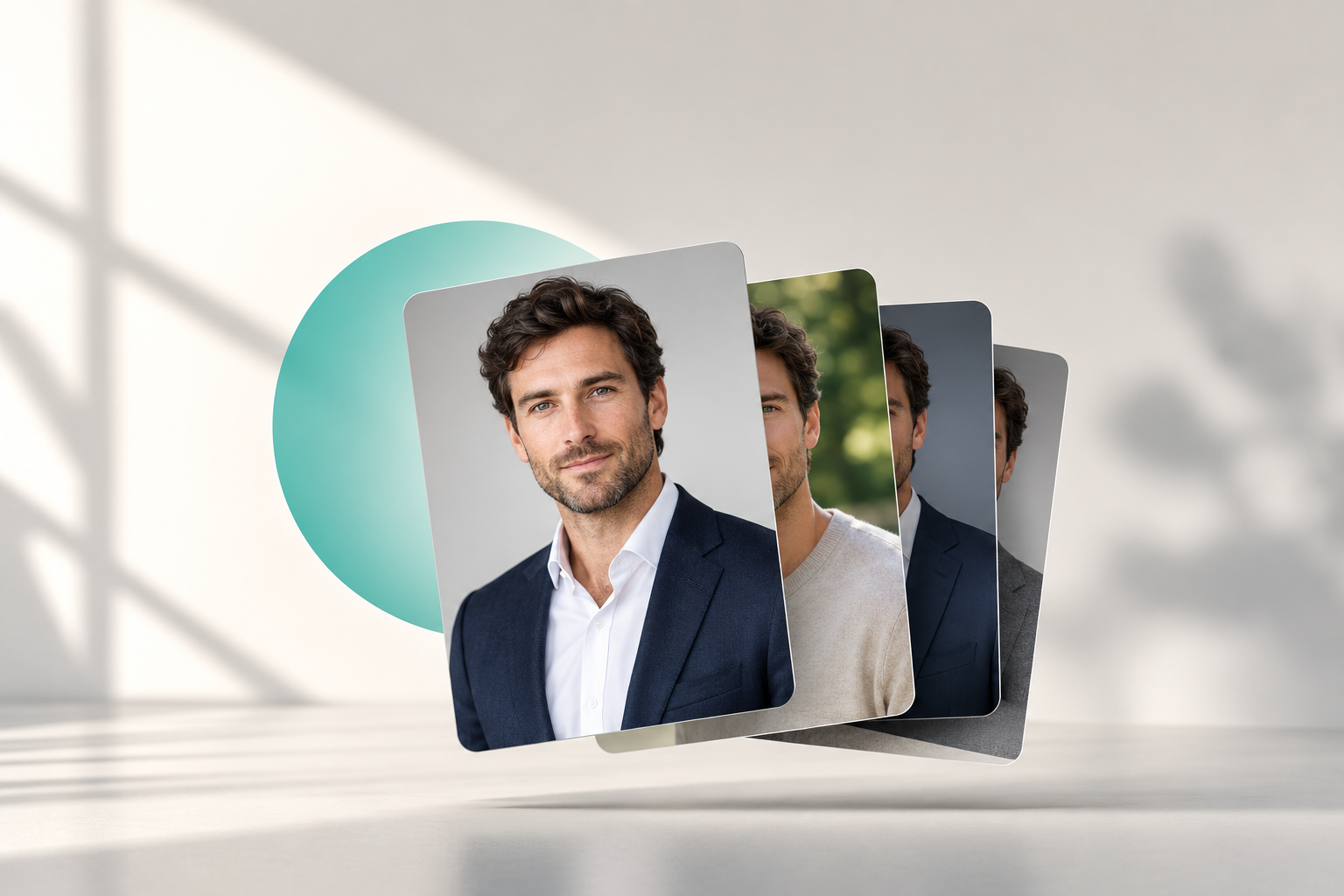
AI headshot generators have to do two things at the same time: preserve your identity while generating an entirely new professional portrait. That means changing clothing, background, lighting, pose and sometimes expression without changing the facial characteristics that make you recognizable.
The better the system understands your appearance from the photos you provide, the easier that job becomes.
And that leads to the most important principle in this article:
A good AI headshot should transform the presentation around your face, not transform who you are.
Why can an AI headshot look like a different person?
AI headshots are generated from reference images rather than photographed directly.
Your source photos therefore act as evidence of what you look like.
If those photos show your face clearly and consistently, the system has a stronger reference.
If they provide conflicting or incomplete information, the generated result has more room to drift.
That is why a likeness problem is rarely caused by one single factor.
It is usually some combination of:
- Weak source photos
- Too little variation between inputs
- Conflicting appearances across photos
- Extreme angles
- Poor lighting
- Filters or beauty effects
- Outdated images
- Facial obstruction
The result can still be technically polished while feeling less recognizably like you.
This phenomenon is often described informally as identity drift: the image keeps the broad idea of the person but subtly changes the characteristics that make that particular face distinctive. Current discussions around AI portrait generation frequently identify identity preservation as one of the most important challenges for professional use.
1. Your source photos do not give the AI enough information
One of the most common causes of weak likeness is simply poor reference material.
Imagine uploading five photographs that are all:
- Taken from the same angle
- Shot in similar lighting
- Heavily cropped
- Slightly blurry
- Using the same facial expression
The system sees repetition, but not necessarily useful variety.
A stronger set of AI headshot input photos helps establish what remains consistent about your appearance across different situations.
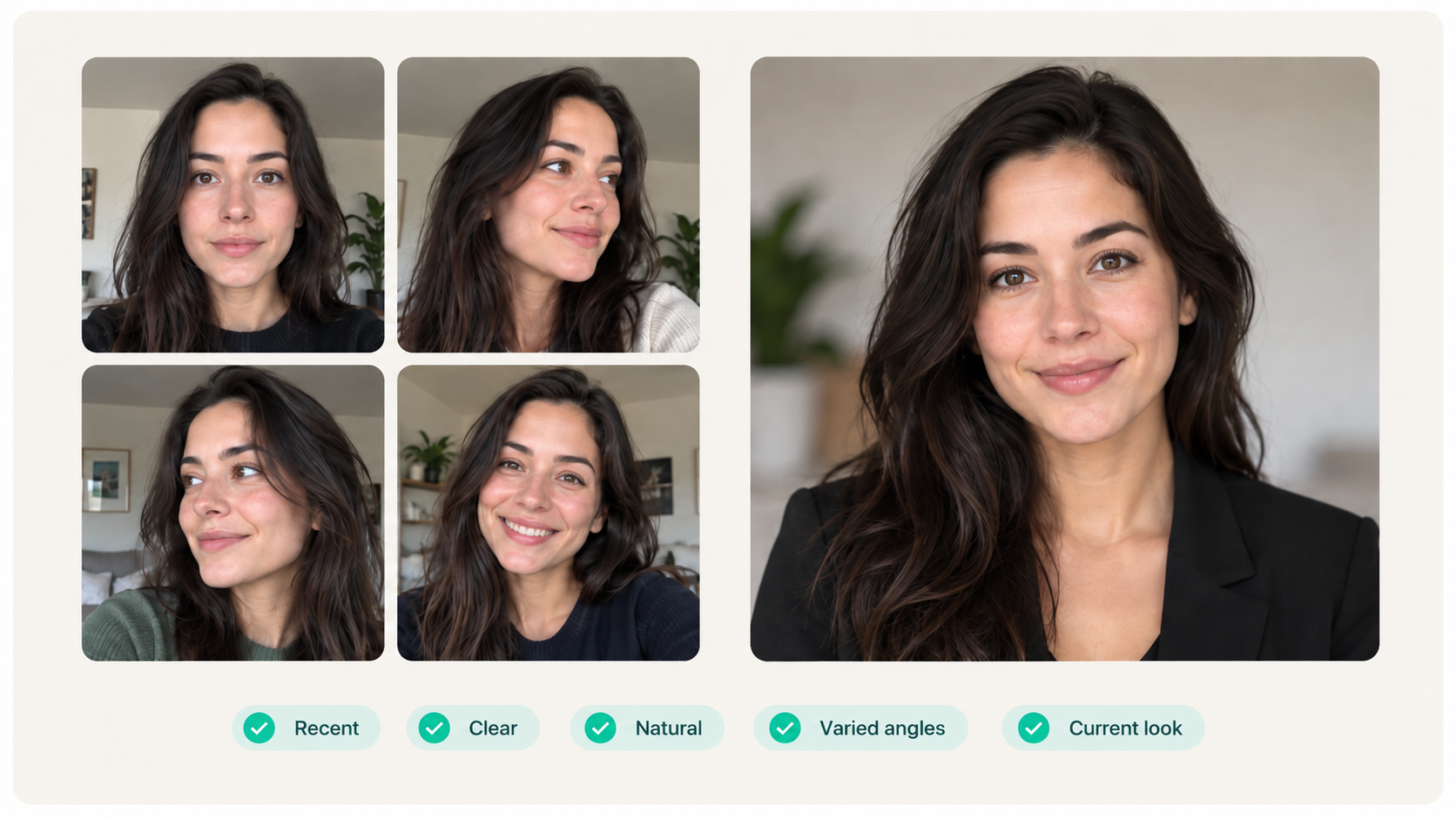
Good source images should ideally show:
- Your face clearly
- Natural skin texture
- Different angles
- Slight variation in expression
- Clear eyes
- Unobstructed facial features
- Your current appearance
You do not need studio-quality photographs.
In fact, with HeadshotHQ, your uploaded images do not need to show professional clothing at all. Users choose professional outfits, backgrounds and styles separately before uploading suitable recent photos or selfies.
The job of the input photos is primarily to help establish you.
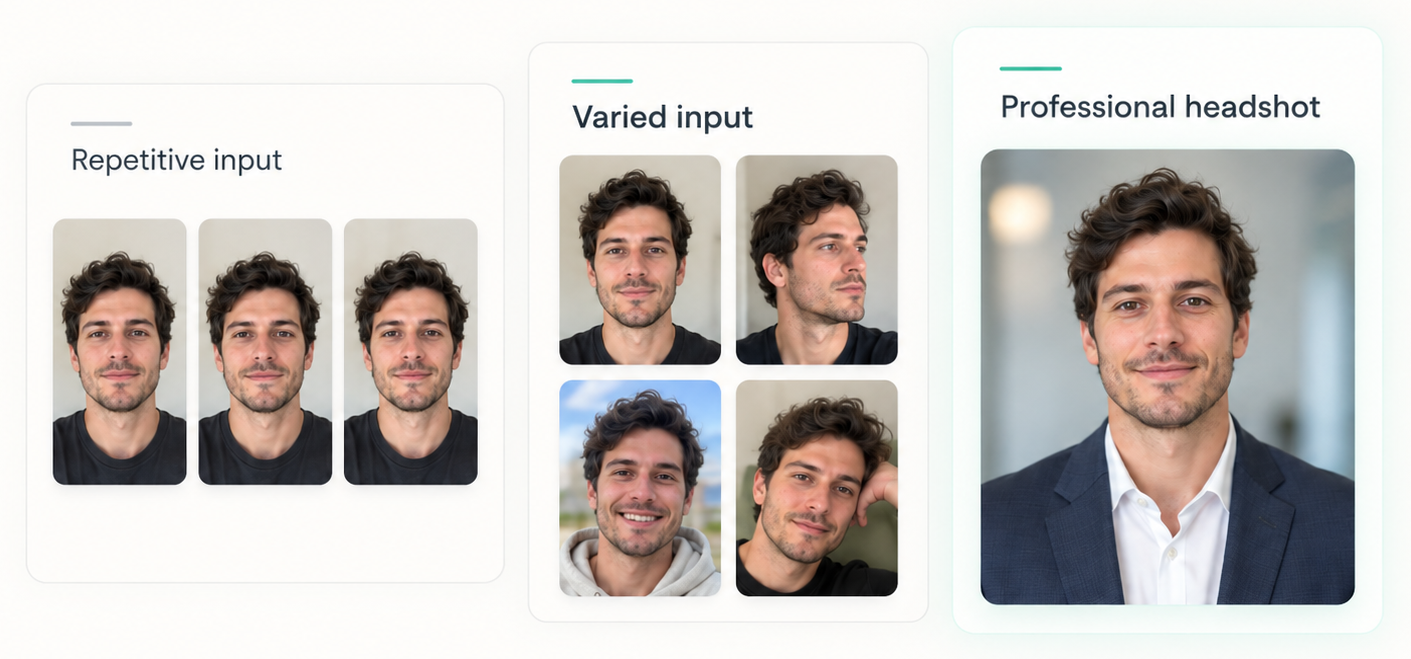
2. Too little variation can be just as problematic as too much
It may seem logical to upload several very similar selfies.
After all, if they all look like you, surely that should improve accuracy.
Not always.
Several almost-identical images can provide less useful information than a smaller set of varied but consistent photographs.
A good collection might include:
- Straight-on photo
- Slight turn to the left
- Slight turn to the right
- Neutral expression
- Natural smile
- Indoor image
- Well-lit outdoor image
The point is not to show six different versions of yourself.
It is to show the same identity under slightly different conditions.
That gives the system more information about which facial characteristics are stable.
3. But inconsistent photos can create the opposite problem
Too much variation can also confuse the picture.
Suppose your source set includes:
- A five-year-old photo
- A heavily filtered selfie
- A photograph with much shorter hair
- A picture where you have significantly different facial hair
- A very dark image
- A recent clear portrait
Those images may all genuinely be you.
But they do not describe exactly the same current appearance.
The generator now has to reconcile conflicting signals.
This is particularly relevant when hairstyles, weight, facial hair, glasses or age have changed noticeably.
For professional headshots, prioritize recent photographs that collectively represent how you look now.
4. Filters can quietly change your facial reference
Beauty filters are especially problematic because they often make subtle alterations that are easy to overlook.
A filtered image may change:
- Skin texture
- Face shape
- Eye size
- Nose shape
- Jawline
- Lip shape
- Skin tone
If several filtered photographs are used as references, the generator may treat those altered characteristics as part of your actual appearance.
The same applies to aggressive portrait-mode effects or editing that removes natural facial detail.
For realistic AI headshots, ordinary clear photos are usually more useful than highly polished selfies.
A good rule is:
Your input photos should show the face you want the AI to recognize, not the face another filter already generated.
5. Extreme angles hide important facial information
A dramatic side profile may be a great photograph.
It is not always a great reference image.
If your face is turned too far away from the camera, important proportions become difficult to evaluate.
Likewise, a selfie taken from very high above or far below the face can distort apparent proportions.
You do not need every source photo to be perfectly straight-on.
But your set should include enough normal, clear views for the generator to understand:
- Facial width
- Eye placement
- Nose shape
- Jawline
- Hairline
- Relative proportions
Natural variation is useful.
Extreme distortion is not.
6. Lighting can make the same face look surprisingly different
Lighting changes more than brightness.
Strong shadows can alter how the face appears by changing the apparent shape of:
- Cheeks
- Nose
- Jaw
- Eye sockets
- Forehead
Low-quality indoor lighting may also hide skin detail or create unusual color casts.
The strongest photos to upload for AI headshots are usually images where the face is evenly and clearly visible.
That does not mean you need professional lighting.
A window or ordinary daylight is often enough.
The goal is simply to avoid making the system guess what part of your face looks like.
7. Some variation between generated images is normal
Even with excellent reference photos, generated headshots are not literal copies of one source photograph.
They are new images.
That is why two generated outputs can have:
- Different expressions
- Different head angles
- Different lighting
- Different styling
- Slight differences in perceived facial appearance
A range of results is partly the point.
The issue is whether that variation stays within the boundaries of your recognizable identity.
Realism and likeness consistency are core requirements for professional AI headshots, particularly because the final images are intended for LinkedIn, company websites and other contexts where the person needs to remain recognizable.
A useful distinction is:
Variation is good. Identity drift is not.
8. Why one AI headshot may look more like you than another
People sometimes expect every generated image to have exactly the same likeness.
In practice, one output may preserve your identity exceptionally well while another feels slightly less convincing.
That is why generating several professional options is valuable.
You can compare them and reject anything that:
- Alters your facial structure
- Makes you noticeably younger or older
- Changes distinctive features
- Looks overly smoothed
- Feels like a “generic professional” rather than you
The strongest image should pass a simple test:
Would someone who knows me recognize me immediately?
If the answer is no, it should not be your professional headshot.
9. Do not choose the most flattering image automatically
This is an easy trap.
Suppose one result makes your face look slightly narrower, your skin smoother and your eyes more symmetrical.
You may initially think it is the “best” image.
But if it no longer accurately represents you, it is not necessarily the best professional headshot.
The goal should be:
recognizable + professional + flattering
not:
flattering at the expense of recognizable
For LinkedIn and other professional uses, credibility matters more than artificial perfection.
How to make AI headshots look more like you
If your first results feel off, improve the inputs before assuming the entire concept does not work.
Use recent photos
Avoid mixing images from very different periods of your appearance.
Include normal angle variation
Use frontal and slight left/right views rather than repeated identical selfies.
Avoid filters
Natural photographs provide a cleaner identity reference.
Choose clear images
Your eyes and facial structure should be easy to see.
Mix expressions slightly
A neutral expression plus a few natural smiles gives a broader representation.
Remove obstructed photos
Avoid sunglasses, masks, heavy shadows or hair covering large parts of the face.
Be consistent about current appearance
If you currently have glasses, facial hair or a particular hairstyle, make sure your source set represents that accurately.
The HeadshotHQ Recognition Test
When reviewing your generated images, use four checks.
1. Immediate recognition
Does it look like you at first glance?
2. Feature consistency
Are your eyes, nose, jawline and other distinctive characteristics preserved?
3. Age consistency
Does the person appear approximately the age you actually look?
4. Real-world credibility
Would somebody meeting you tomorrow think the headshot accurately represents you?
If an image fails one of those tests, choose another result.
A professional headshot should improve presentation without creating a different identity.
How HeadshotHQ approaches the problem
HeadshotHQ's workflow separates identity input from professional presentation.
Users first select preferred professional outfits, backgrounds and styles, then upload suitable recent photographs or selfies. HeadshotHQ generates a range of professional headshots from those inputs.
That means your source images can remain ordinary.
You do not need to recreate the professional photograph before uploading it.
The important part is giving the generator strong reference material that accurately represents your current appearance.
From there, compare the outputs and keep the images that preserve your likeness best.
The goal is not a better-looking stranger
A successful AI headshot should not reinvent your face.
It should take the person already present in your source photographs and place them into a polished professional context.
That means better clothing.
Better lighting.
A cleaner background.
A professional composition.
But still you.
If your first reaction to a generated portrait is, “That looks impressive, but it does not really look like me,” treat that as a failed result rather than a successful makeover.
Use clear recent photographs, provide useful variation and judge every output by recognition before polish.
Because the best AI headshot is not the image that makes you look most perfect.
It is the one that makes you look professionally like yourself.
Share this article